Product+

“Live to learn, learn to live”

“It is what it is” 

“Own your life or delete it”

– A documentation with descriptions, examples and code snippets.

– Future plans is to be able to request custom implementation on specific campaigns. 

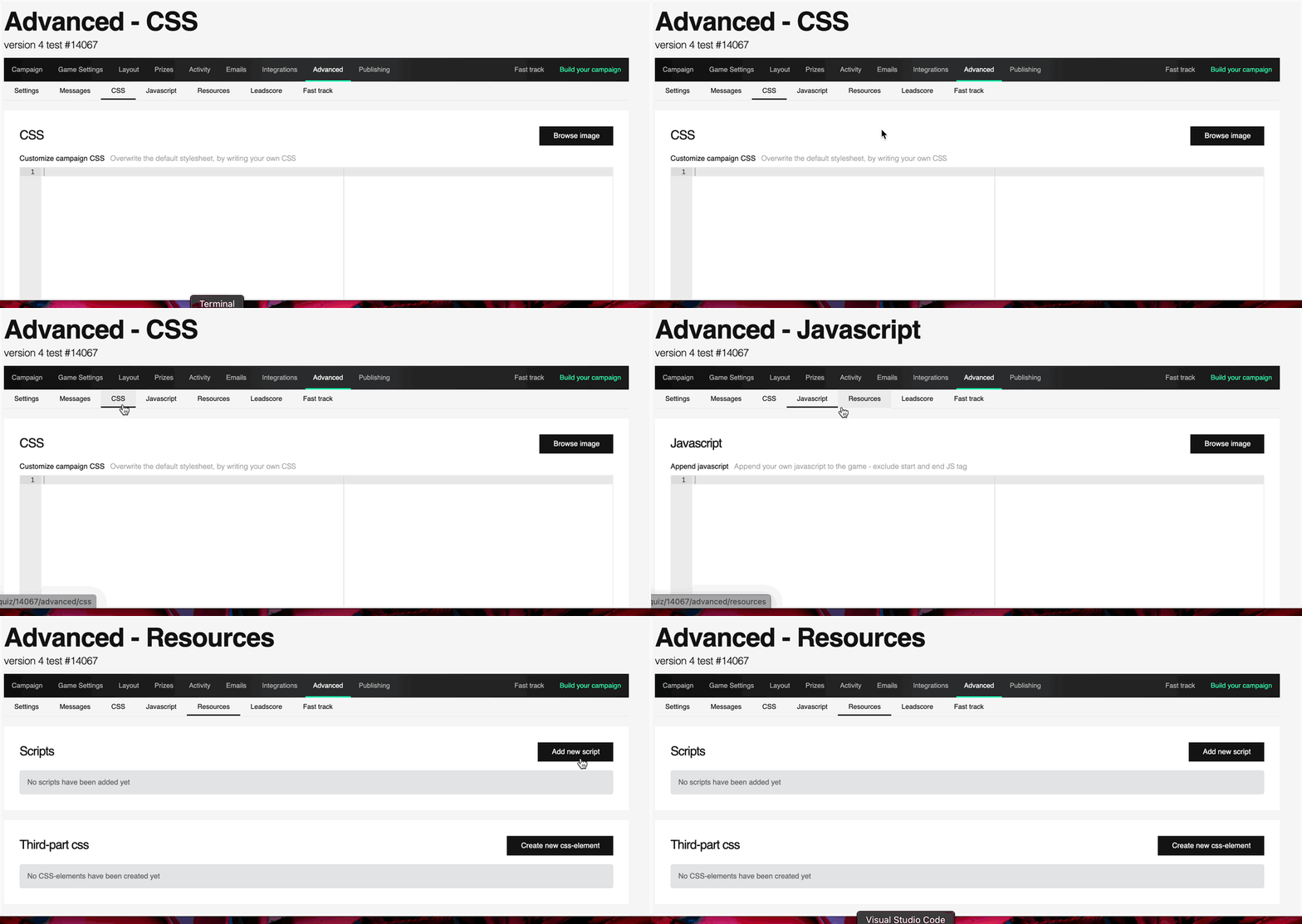
– See GIF below on how to do custom code in the platform. 

– Fill out request form in bottom of the page, use requests bottons to automaticly add to the form. 

General

Instruction: Wrap your code in a wait element function:
function waitForElement(selector, callback) { }
Function that waits for element to be presented on the page
Example:
Code:
-SNIPPET-

Add to DOM

Instruction:

Adds a date to the DOM

Use HTML addon in the front-end editor with any <tag>
<h1 class=”#date_class_name#”>#live_date#</h1>

Use selector .live_date_class to add custom CSS

Example: 

Code:

-SNIPPET-

Instruction:

Adds a clock to the DOM

Use HTML addon in the front-end editor with any <tag>

<h1 class=”#timer_class_name#”>#live_timer#</h1>

Use selector .live_timer_class to add custom CSS

Example:

Code:

-SNIPPET-

Instruction:

Adds a date to the DOM

Add ‘wait for element’ library item for the date to work

Use HTML addon in the front-end editor with:

<span id=’live_date’></span>

Example:

Code:

-SNIPPET-

Instruction:

Adds a clock to the DOM

Add ‘wait for element’ library item for the clock to work

Use HTML addon in the front-end editor with:

<span id=’live_timer’></span>

Example:

Code:

Aesthetics & improvement

Instruction:

Changes the display of the game time challenge to minutes : seconds

Use HTML addon in the front-end editor with any <tag>

<h6 class=”#time_left_class_name#”>#time_left#</h6>

Use selector .time_left_class to add custom CSS

Example:

Code:

Effects

Instruction:

Adds a sound effect to the spinning wheel

Add ‘wait for element’ library item for the effect to work

Add the sound file path in the Advanced → JavaScript for the campaign

Example:

Code:

Effect uses the GSAP library

Instruction:

Adds a sound effect on the start of the game

Add ‘wait for element’ library item for the effect to work

Example:

Code:

Add the sound file path in the Advanced → JavaScript for the campaign:

Code snippet

Request form